NEWYou can now listen to Fox News articles!
You open your inbox and see a billing alert. It claims you signed up for Geek Squad protection. The total is $489.99. There is a big button to pay now.
There is only one problem. You never signed up. That is where this scam starts. This email is built to create urgency. It pushes you to act before you think. Once you slow down and read it closely, the red flags show up everywhere.
Let’s look at the warning signs one by one.
Sign up for my FREE CyberGuy Report
- Get my best tech tips, urgent security alerts and exclusive deals delivered straight to your inbox.
- For simple, real-world ways to spot scams early and stay protected, visit CyberGuy.com – trusted by millions who watch CyberGuy on TV daily.
- Plus, you’ll get instant access to my Ultimate Scam Survival Guide free when you join.
AMAZON RECALL TEXT SCAM COMES WITH RED FLAGS
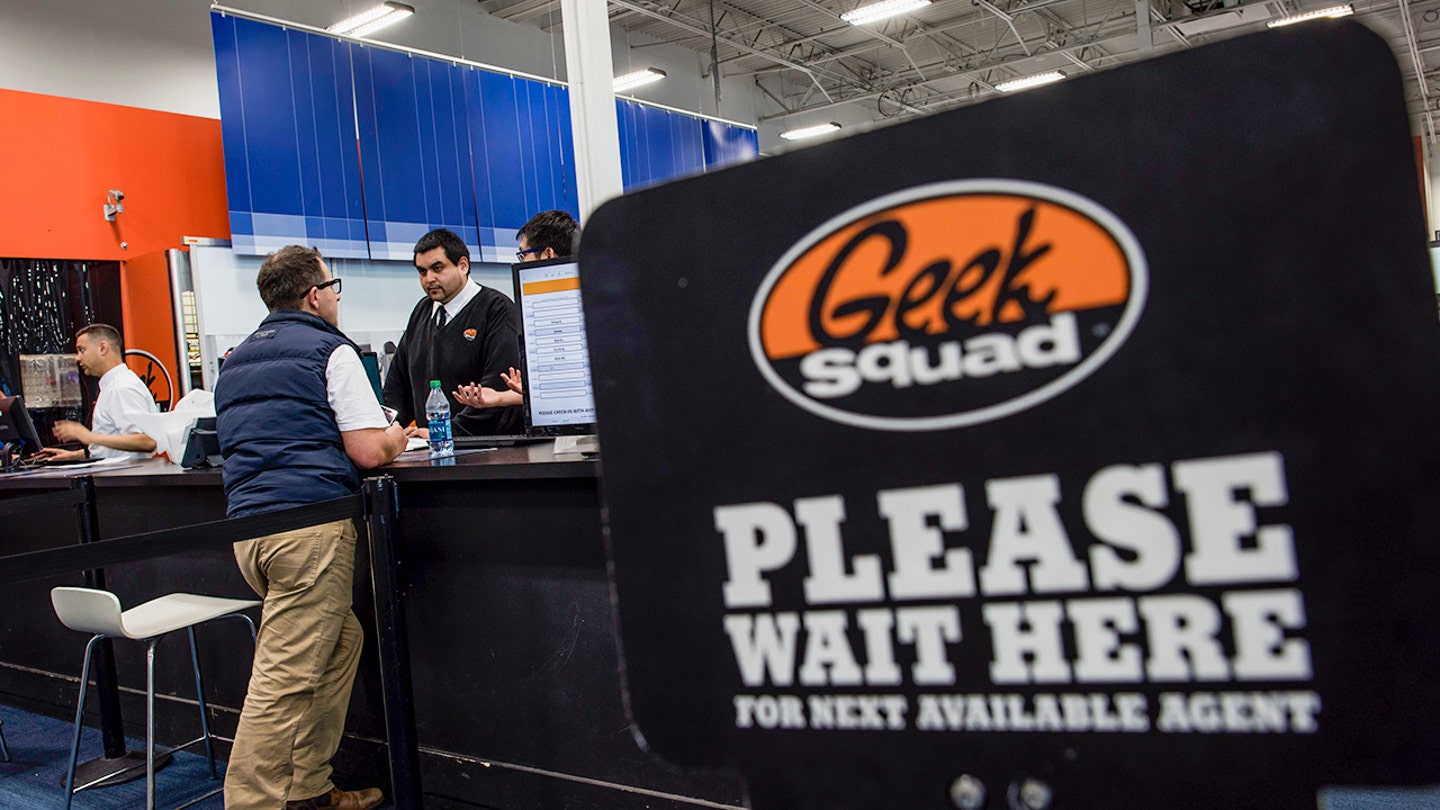
Cybersecurity experts warn consumers not to click payment links or call phone numbers listed in suspicious billing emails claiming urgent charges or subscriptions. (David Paul Morris/Bloomberg via Getty Images)
First red flag: It doesn’t even use your name
The email is addressed to a generic recipient. There is no real personalization.
Legit companies almost always use your name if you have an account. They also reference past activity. This email does neither.
That tells you one thing. It was sent in bulk to thousands of people, hoping someone bites.
Second red flag: Too many companies in one email
This message mentions:
- Geek Squad
- QuickTax Billing
- Razorpay
That mix makes no sense. Geek Squad is tied to Best Buy. Razorpay is a payment processor based in India. «QuickTax Billing» is vague and not a known consumer brand in this context.
Real billing emails stay consistent. One company. One system. Clear branding. Scammers often mash names together to sound legitimate.
Third red flag: The fake urgency trap
The email says your account will be charged within 48 hours. That line is doing all the heavy lifting.
It creates pressure. It makes you feel like you need to act now. That is how people get pushed into clicking the payment button.
Legitimate subscriptions do not work this way. You do not get a random warning and a demand to pay through a new link.
Fourth red flag: The ‘Proceed to Pay' button
The email asks you to complete your first transaction. That isn’t how subscriptions work. If you signed up, payment would already be processed.
This button likely leads to one of two things:
- AÂ fake payment page that steals your card details
- AÂ phishing site that collects your personal information
Either way, clicking it puts you at risk.
Fifth red flag: Strange wording and formatting
There are small details that matter:
- Random German word «Rechnung» appears in the invoice
- Awkward spacing and underscores show up in the text
- The tone feels off and inconsistent
These are signs of a template that has been reused and poorly edited. Real companies do not send billing emails like this.
Sixth red flag: The phone number
The email includes a support number with the (813) area code. This is a common scam tactic.
If you call, the scammer may:
- Pretend to cancel the charge
- Ask for remote access to your computer
- Walk you through a fake refund process
That «refund» process is where victims lose money.
Is the Razorpay email legit or part of a scam?
The email shows it came from subscriptions@razorpay.com. That sounds legitimate. Razorpay is a real payment platform. But here is the catch.
Scammers often abuse real services to send emails. They create accounts and send fake invoices through them. That makes the message look more credible.
So yes, Razorpay is real. This email is still a scam.
What Razorpay says about this scam email
Razorpay says the account tied to this email was never capable of processing real payments.
«Our preliminary review indicates that this merchant account was in test mode and not activated for live transactions on Razorpay. Payments cannot be processed in test mode, and any such transaction would not have gone through. The account was operating within a limited test environment (with a capped request limit) and has since been identified and disabled immediately. Razorpay has strict risk checks and compliance processes in place to detect and act against such misuse. We continue to monitor proactively and take swift action against any attempts to abuse the platform.»
While that may sound reassuring, it does not make the email harmless. Scammers are not relying on the payment itself to go through. They are using familiar branding to make the message feel legitimate. That credibility is what pushes people to click the «Proceed to Pay» button or call the phone number, where the real scam begins. In many cases, victims who call are pressured into sharing personal information or giving remote access to their devices. Others may be redirected to a different payment method outside the platform. The goal is to get you to click or call so the scam can move forward.
Why are you getting this scam email?
There is no special reason. This type of scam is sent to massive lists of email addresses. Some are scraped online. Others come from past data breaches.
The scammers are not targeting you personally. They are playing a numbers game. All they need is a small percentage of people to respond.
We reached out to Razorpay and Best Buy, which owns Geek Squad, for comment, but did not hear back before our deadline.
IS THAT TRAFFIC TICKET TEXT A SCAM OR REAL?
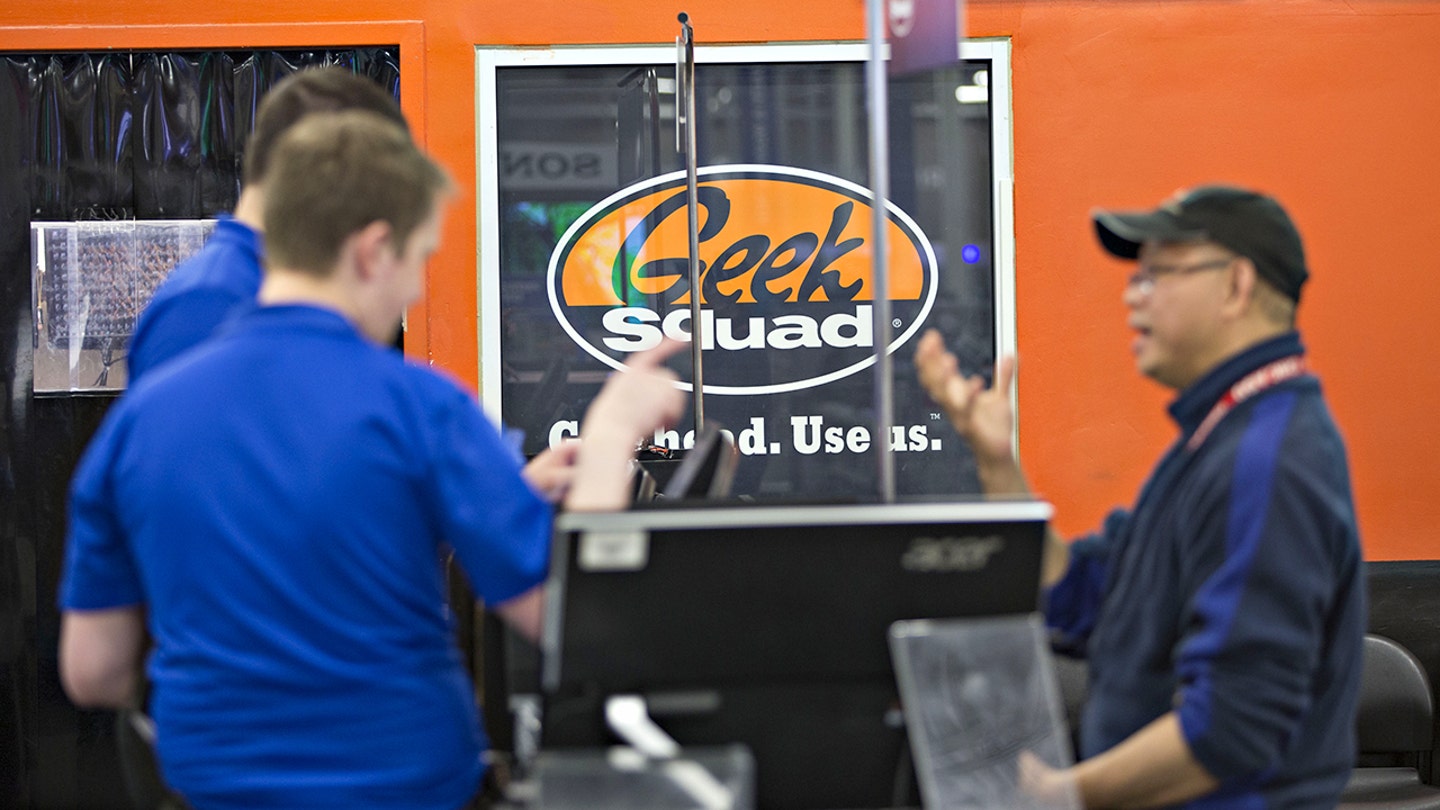
Scammers are using real company names like Geek Squad and Razorpay to make fraudulent billing emails look legitimate and pressure victims into acting quickly. (Daniel Acker/Bloomberg via Getty Images)
What this Geek Squad billing scam is trying to do
There are two main goals:
- Get you to click the payment link
- Get you to call the number
Both paths lead to the same outcome. They want your money or your personal data. The $489 price isn't random. It is high enough to scare you. It is also believable enough to feel real.
What you can learn from this scam emailÂ
This email checks almost every classic scam box:
- Unexpected charge
- Urgency
- Confusing branding
- Payment link
- Support number
Once you know the pattern, you start to see it everywhere.
Ways to stay safe from billing scam emails
Start with a simple rule. Never act directly from the email.
Instead:
- Go to the company’s official website yourself
- Log into your account and check for charges
- Ignore phone numbers listed in suspicious emails
Also:
- Do not click payment links you did not expect
- Do not download attachments from unknown senders
- Mark these emails as spam to train your inbox
Watch for warning signs:
- Check the sender’s full email address, not just the display name
- Look for generic greetings or missing personal details
- Be cautious of urgent language pushing you to act fast
Protect your information:
- Never give remote access to your computer to someone who contacts you unexpectedly
- Do not share passwords, verification codes or banking details over the phone or email
- Consider using a data removal service to limit how much of your personal information is exposed online, which can reduce your risk of being targeted by scams like this. Get my picks for the best 2026 antivirus protection winners for your Windows, Mac, Android and iOS devices at CyberGuy.com
If you already clicked or responded:
- Contact your bank or credit card company right away
- Change your passwords, especially for email and financial accounts, and consider using a password manager to create and store strong, unique passwords. Check out the best expert-reviewed password managers of 2026 at CyberGuy.com
- Use strong antivirus software to scan your device and remove any potential threats
If you are unsure, pause. Scammers rely on speed. You protect yourself by slowing down.
FAKE TRAFFIC VIOLATION TEXT SCAM USES QR CODES TO STEAL PAYMENT INFO
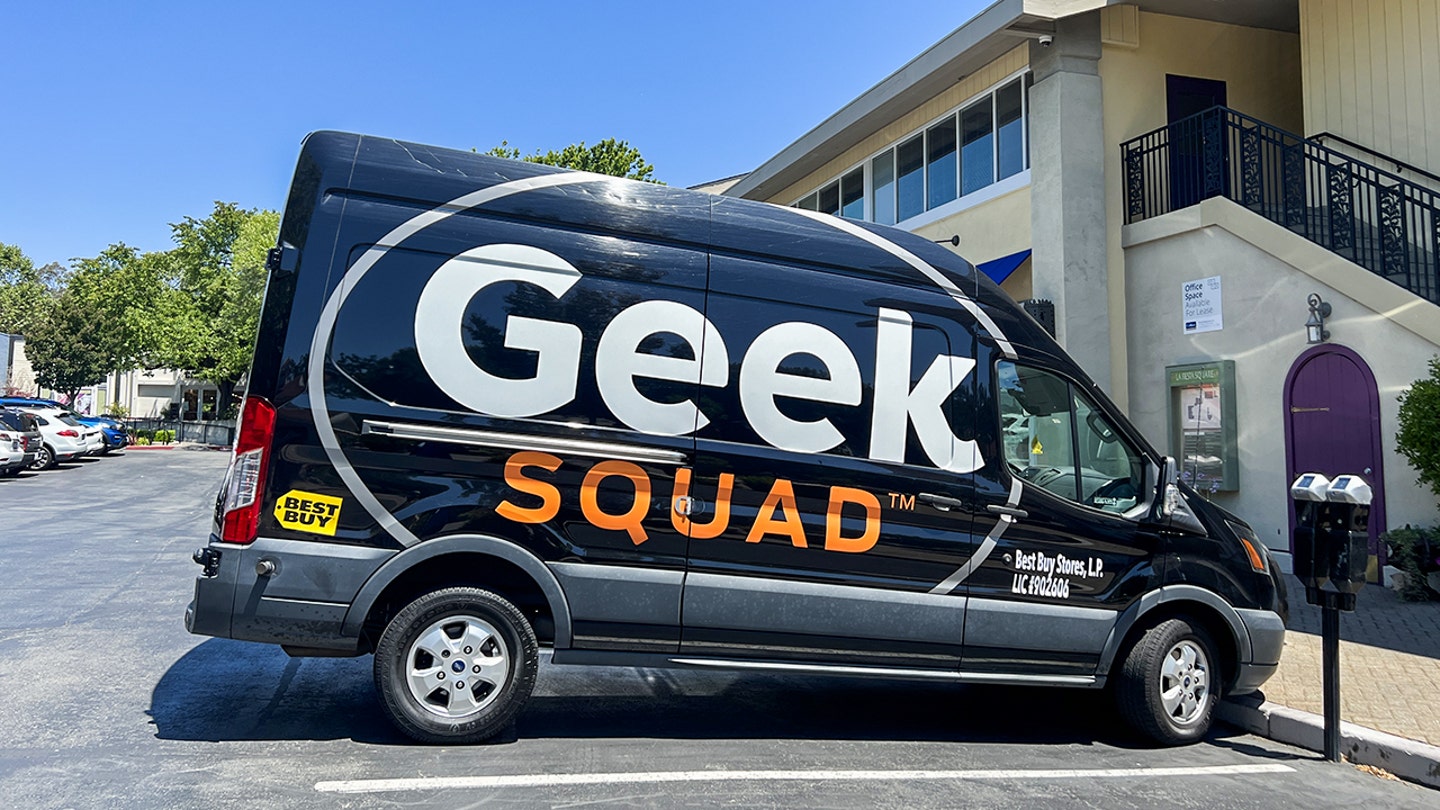
A fake Geek Squad billing email is targeting inboxes with a bogus $489.99 charge and a «Proceed to Pay» button designed to steal personal information. (Smith Collection/Gado/Getty Images)
Kurt’s key takeaways
This email looks convincing at a glance. It uses real brand names and a polished layout. That is what makes it dangerous. But when you read it carefully, it falls apart. No name. Conflicting companies. Pressure to pay. Strange formatting. Those details matter. The more familiar you are with these tactics, the harder it becomes for scammers to trick you.
If a message can look this real and still be fake, how confident are you that the next one in your inbox is safe? Let us know by writing to us at CyberGuy.com.
CLICK HERE TO DOWNLOAD THE FOX NEWS APP
Sign up for my FREE CyberGuy Report
- Get my best tech tips, urgent security alerts and exclusive deals delivered straight to your inbox.
- For simple, real-world ways to spot scams early and stay protected, visit CyberGuy.com – trusted by millions who watch CyberGuy on TV daily.
- Plus, you’ll get instant access to my Ultimate Scam Survival Guide free when you join.
Copyright 2026 CyberGuy.com. All rights reserved.